ATAIAI add-on

Dish photos · included in Pro and Premium

The dish comes out,
the photo is ready.

Shoot it on your phone while you work: open the menu, pick the category, take the shot. The AI fixes light, background and framing, and the photo goes online right where you chose. No computer involved.

With Pro (+€10/month) 70 photos a month · with Premium (+€20/month) 200

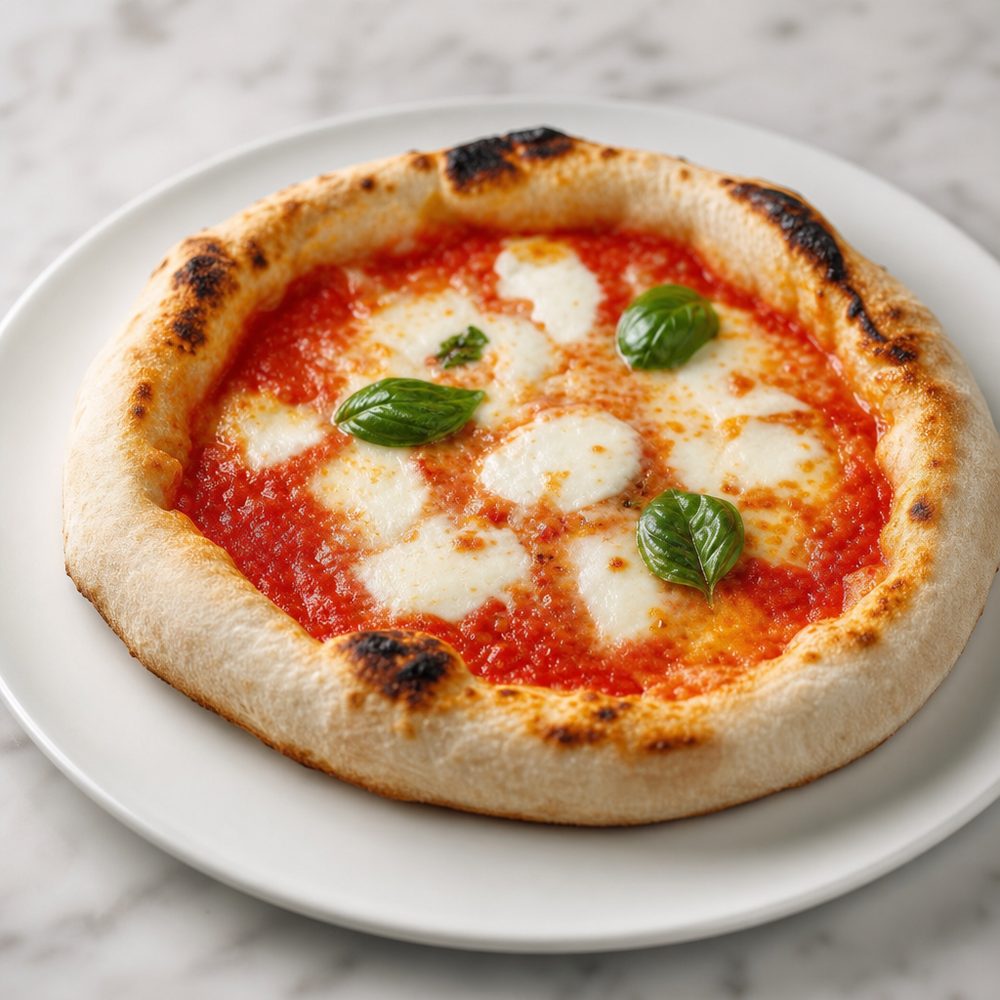
The same margherita pizza after enhancement: clean background and studio light Margherita pizza shot on a phone, flat light and messy table Before After

Why it matters

People browse your digital menu.
Photos make it sell.

A listing without a photo gets read; one with the right photo gets ordered. But calling a photographer every time the menu changes doesn't add up, and a rushed kitchen shot is often worse than nothing. This is the third way.

How it works

From your phone to the menu
in four steps.

No software to learn, nothing to write. Open, pick where it goes, shoot.

01

Open the app

Same login as your panel, on your phone. You see your menu: the categories, each with its photo and its title.

02

Pick where it goes

Tap the category you want to change. You choose, with the menu right in front of you: nothing to guess.

03

Shoot or upload

Take the photo on the spot, with the dish fresh from the pass, or pick one from your phone's gallery.

04

The AI polishes it

Light, background and framing. You check the result and, if you like it, you apply it: from that moment it's what your guests see.

Before & after

All of these are phone shots.

On the left the original shot, on the right what ends up on the menu. Drag the handle to compare.

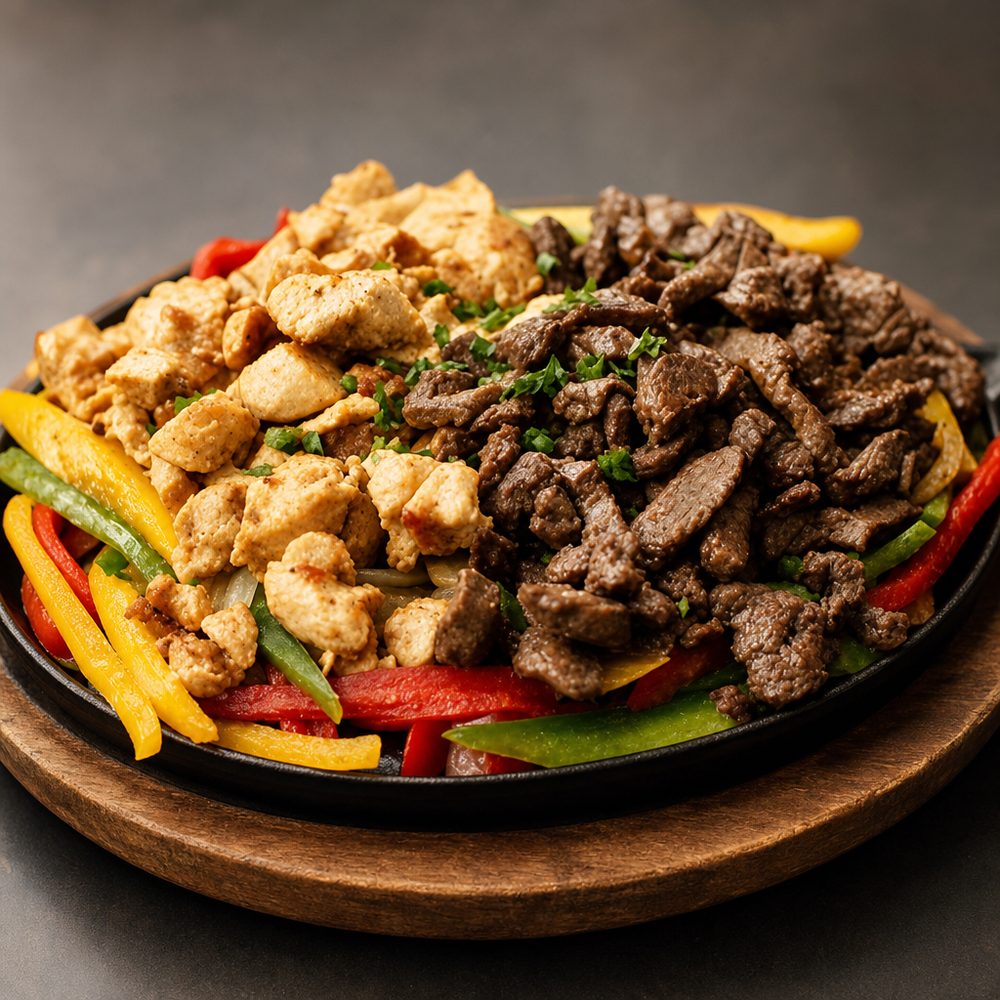
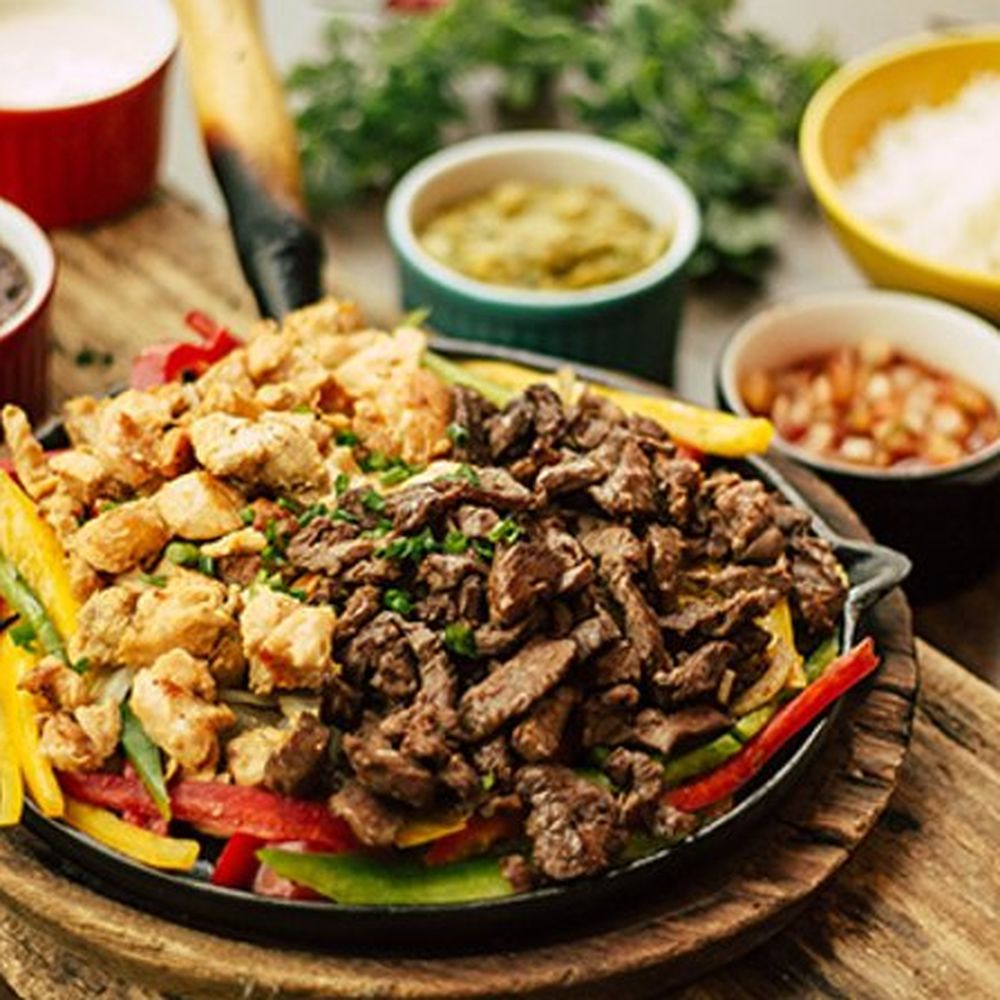
Grilled meat dish after enhancement Grilled meat dish shot on the worktop
Meat main · the counter disappears
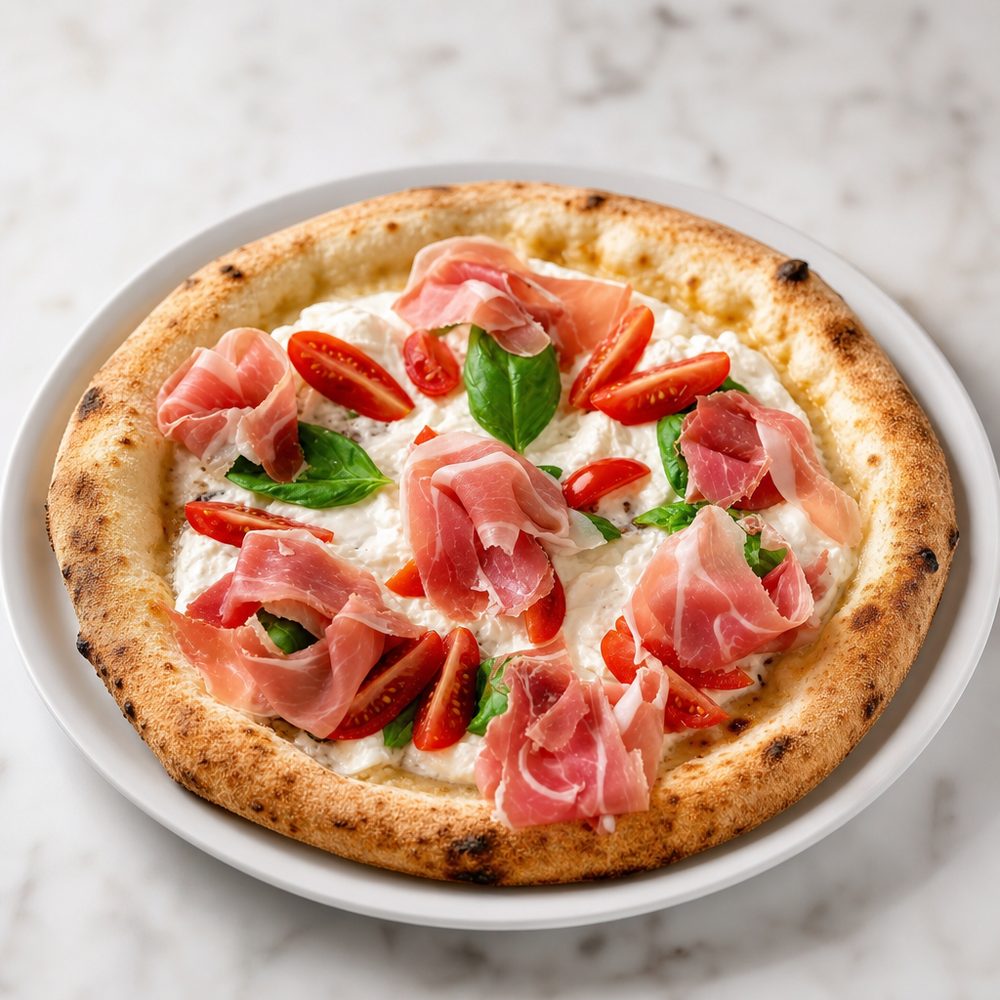
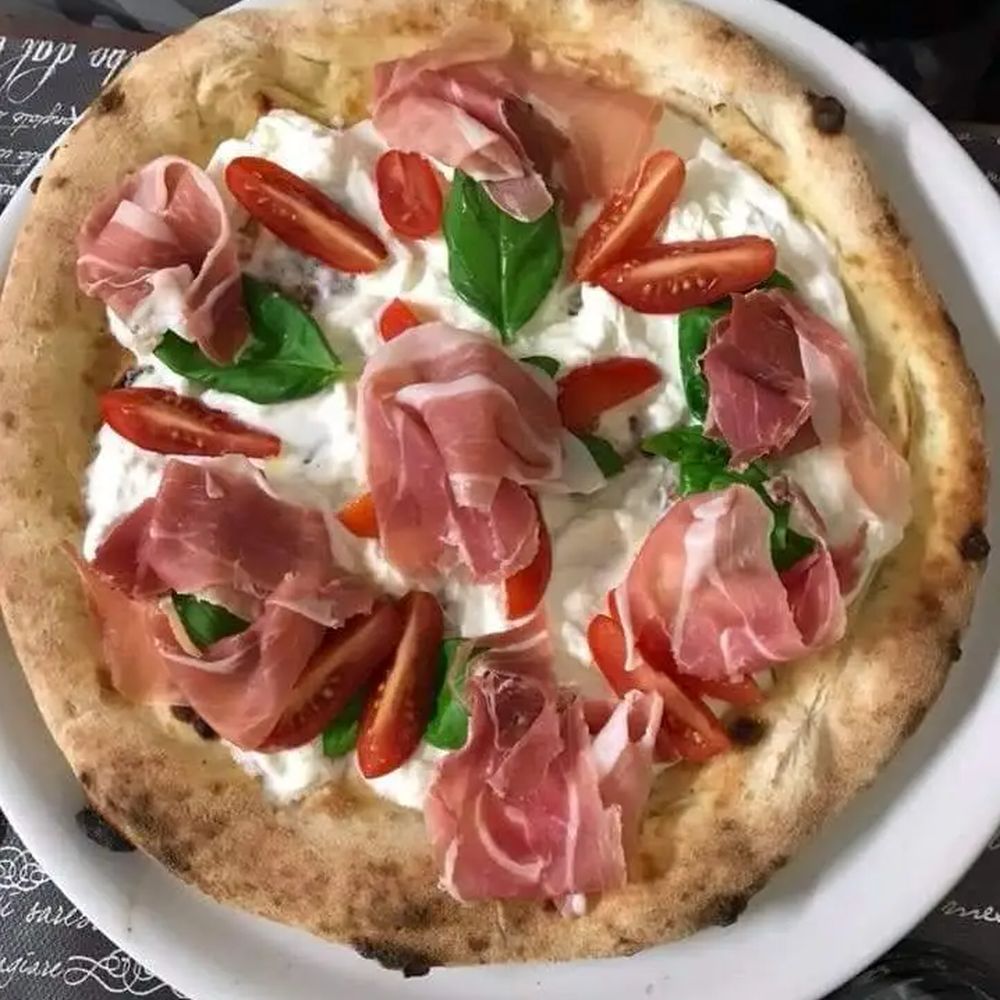
Prosciutto and stracciatella pizza after enhancement Prosciutto and stracciatella pizza shot on the table
Pizza · warm light, crust untouched
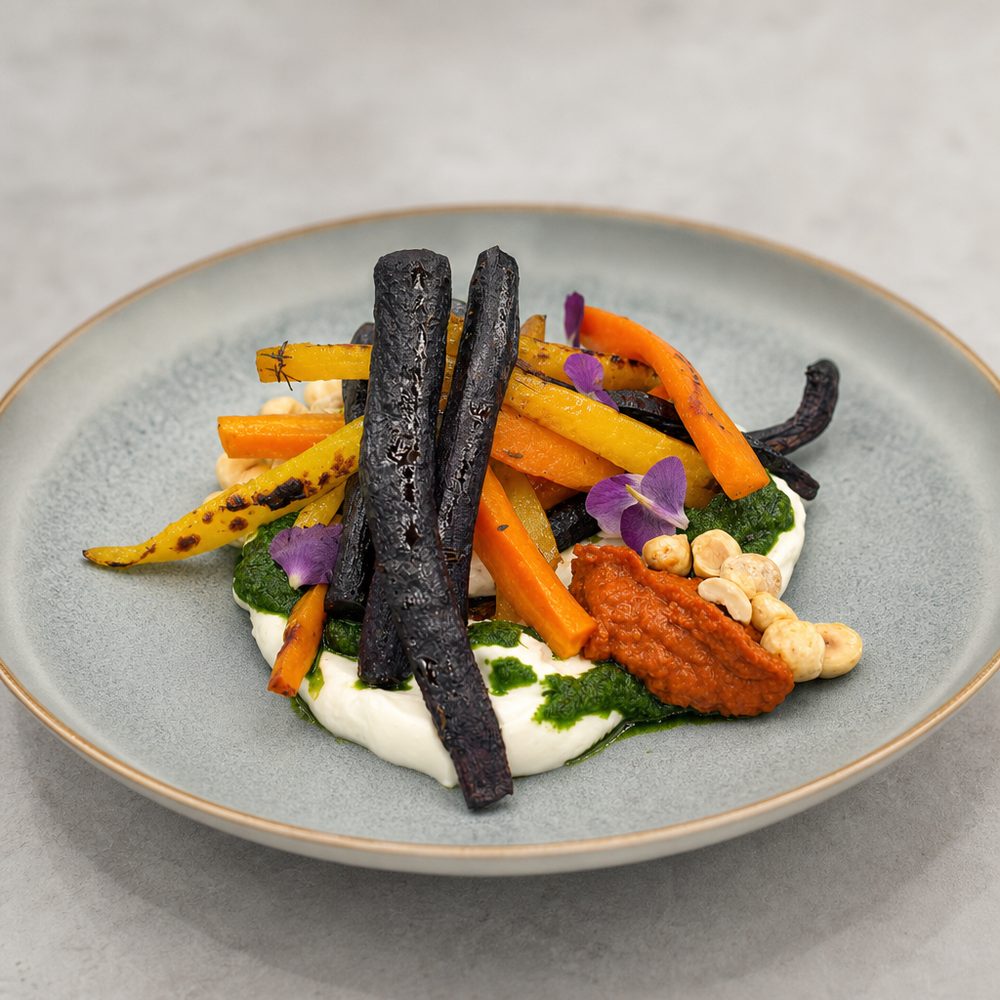
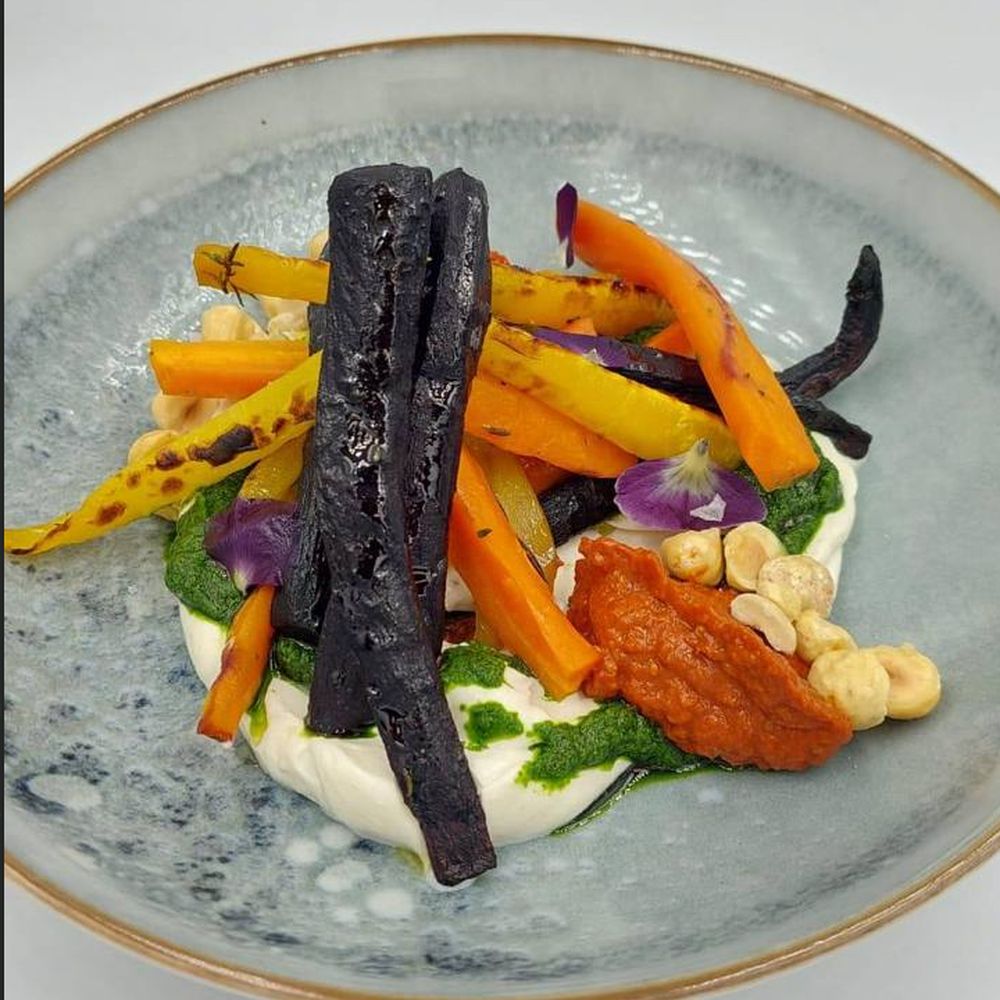
Gourmet vegetable plate after enhancement Gourmet vegetable plate shot at the table
Plated dish · the tablecloth stops distracting
Margherita pizza after enhancement Margherita pizza shot on a phone
Margherita · delivery-ready
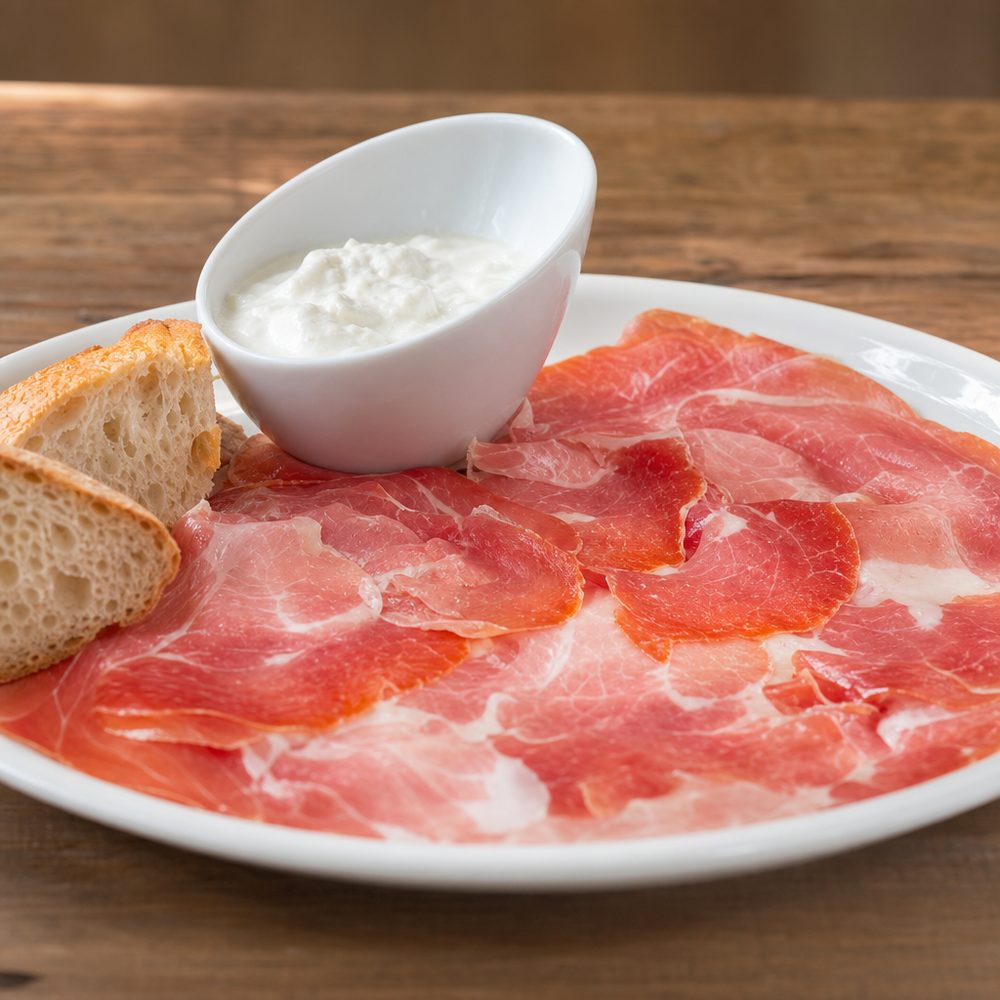
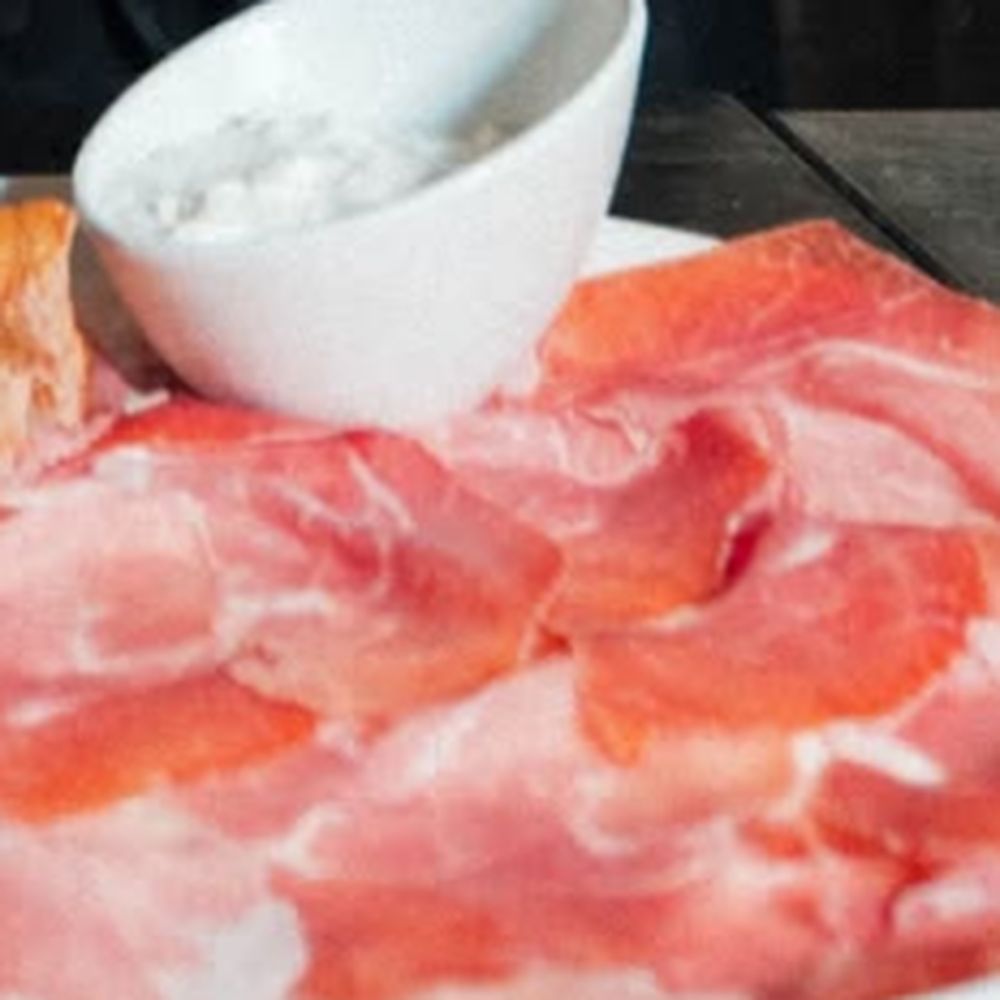
Cold cuts platter with sauce after enhancement Cold cuts platter shot up close on the counter
Boards & cold cuts · the whole plate in view
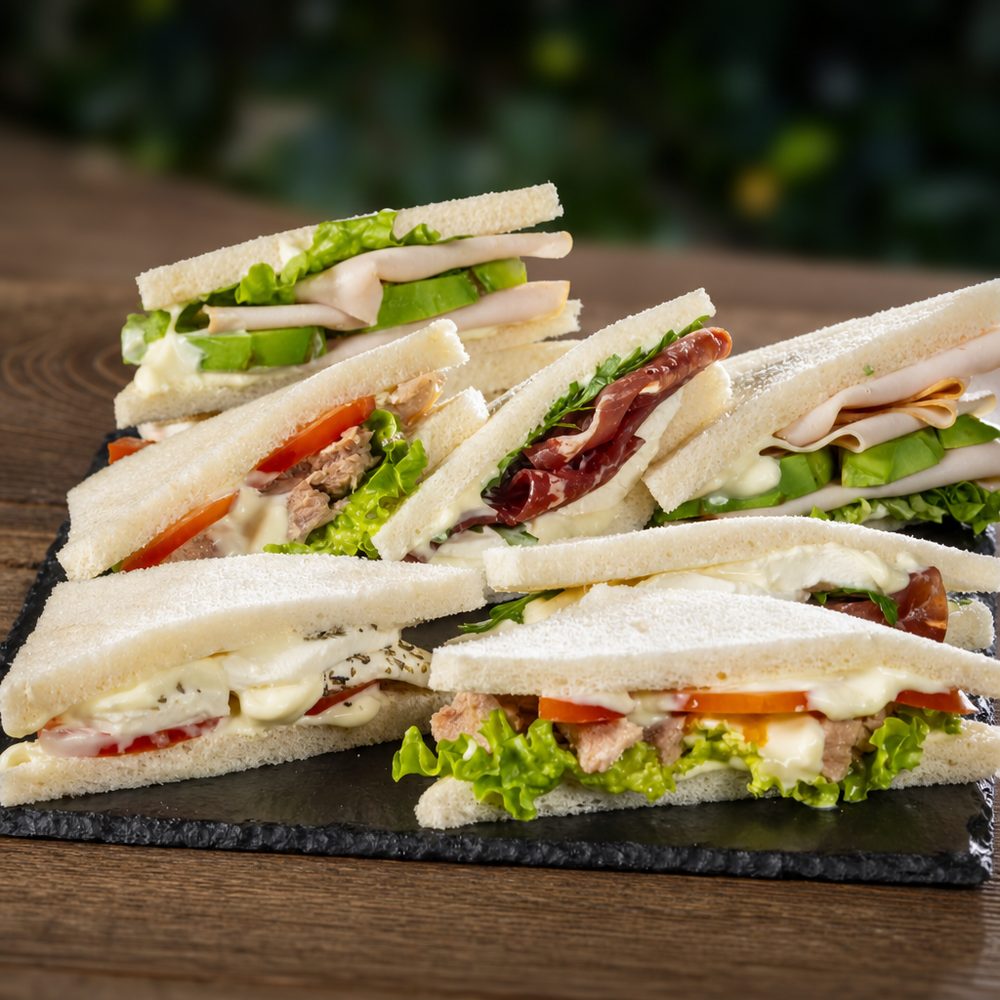
Tray of sandwiches after enhancement Tray of sandwiches shot on the counter
Bar & café · your counter display
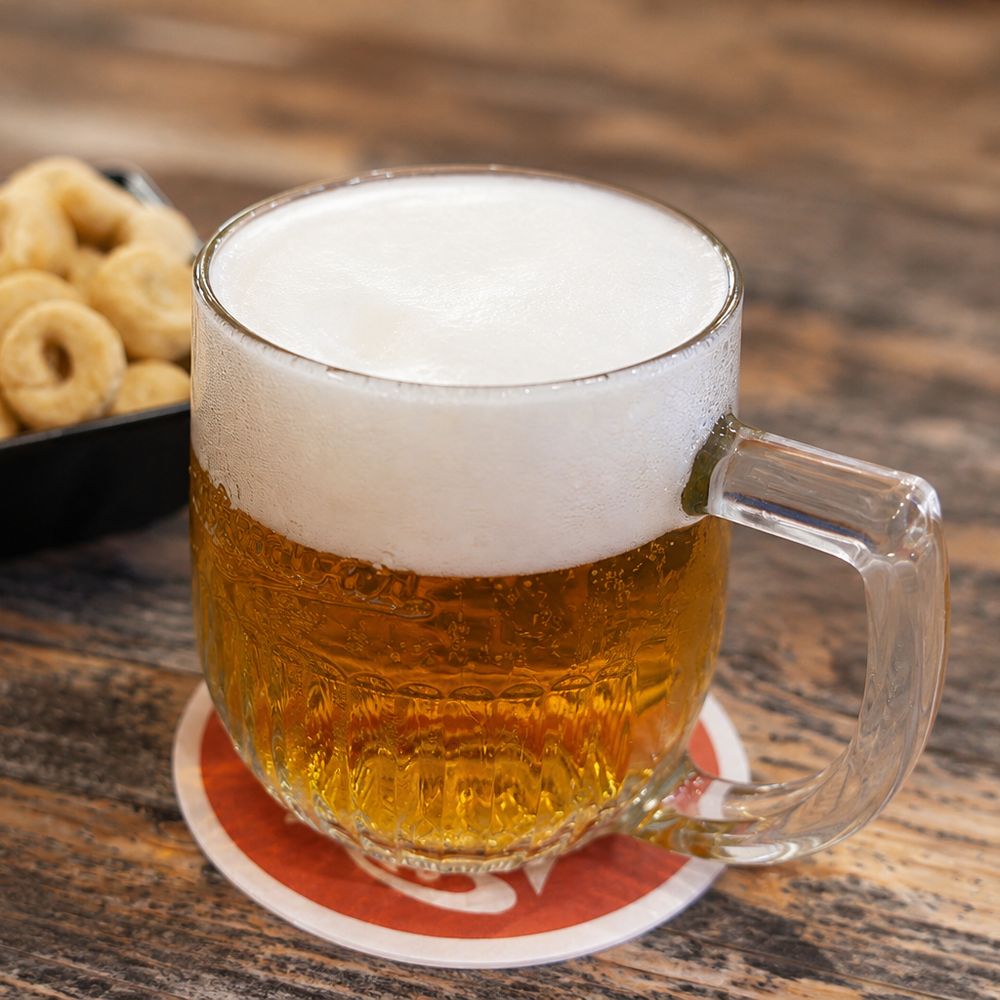
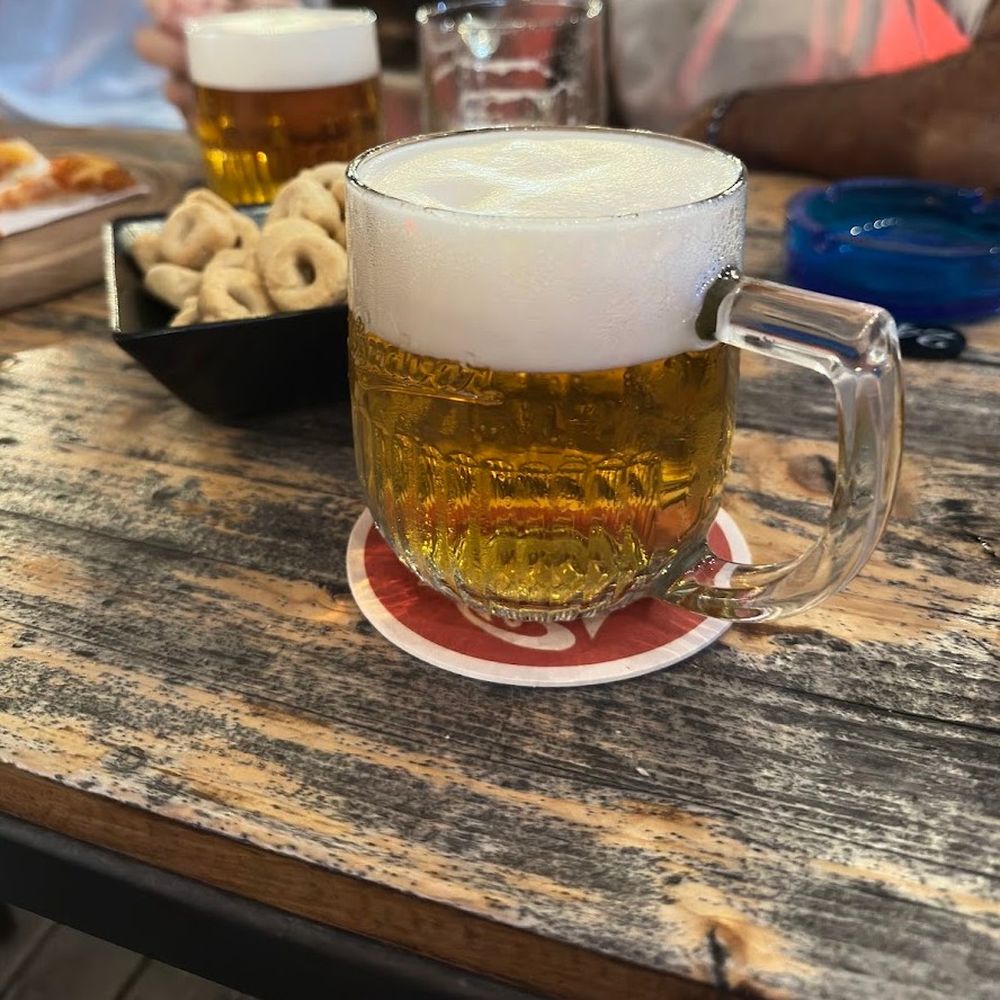
The same beer mug after enhancement: clean background A lager mug shot at the bar table
Draft beer · the clutter disappears

Drag the handle — or use your arrow keys

The rule we set for ourselves

We enhance your photo.
We don't invent one.

The dish that reaches the table must look like the photo that sold it. That's why the AI works on the shot you give it: it changes light, background and framing — not the ingredients.

The dish stays yours

Shape, colours, cooking and garnishes stay as in the photo you took. No added ingredients that aren't on the plate.

It also protects you

Delivery platforms and advertising rules require the image to match what you sell. An enhanced photo is still a photo of your dish.

Not convinced? Redo it

Every shot gives you several versions. If none feels right, you try again without using up another photo from your monthly count.

The photos remain yours

Originals and results live in your panel, next to the rest of your menu. Download them and use them anywhere: social, flyers, your window.

How many photos

It depends on the plan.

AI photos are not part of the base fee: you enable them with Pro or Premium, which are added on top of the monthly fee. Nothing to buy separately, no credits to top up — the number of photos comes with the plan.

StandardIncluded

The core features: menu, IT/EN, allergens and QR. AI photos not included.

Pro+€10/month

Up to 70 AI-enhanced dish photos, every month.

Premium+€20/month

A third language and up to 200 enhanced photos per month.

All prices are + VAT. Included photos renew monthly and do not roll over.

Try first, then decide

Want to see your dishes, not ours?

Ask for a demo of your venue: we set up the menu with your name and show you one of your photos before and after. No strings attached.

Request a demo

Questions

What people ask us.

Do I need to download an app from a store?

No. It opens in your phone's browser with the same login as your panel, and you can add it to your home screen like any app. No store, no updates to manage.

Do I need to know photography?

No — and no AI skills either. As long as the dish is visible in the shot, that's enough: it doesn't need perfect focus or lighting. Light, background and framing are the AI's job.

Can I use photos I already have on my phone?

Yes. Shoot on the spot or pick one from your gallery, even months old.

How long does it take?

Under a minute per photo. If you're redoing the menu you move from category to category without leaving the app: shoot, apply, move on.

How do I tell it where the photo goes?

You choose, before you shoot: the app shows your menu with its categories, each with its photo and title. Tap the one you want to change and decide whether to take a new photo or upload one. The menu is right in front of you — nothing to guess, nothing to get wrong.

Do unused photos roll over?

No: the monthly count resets each month. If one month you need more — a menu overhaul, a new seasonal card — you can step up a plan for that period.

Can I use the photos outside the menu?

Of course — they're yours. Download them from the panel and use them on social media, delivery platforms, flyers, anywhere.
Contact

Shall we try it
on one of your dishes?

Send us a photo of a dish and your venue's name: we'll send it back enhanced, so you judge the result on your food, not ours.

or email us directly at info@atai.it